Hassle-Free WordPress Migration Service
Moving your website doesn't have to be stressful. As your technical partner, we handle the entire migration process for you. After you sign up for hosting, we'll guide you through the simple process of sharing the necessary access credentials, and then we'll take care of everything else.
What We Need From You
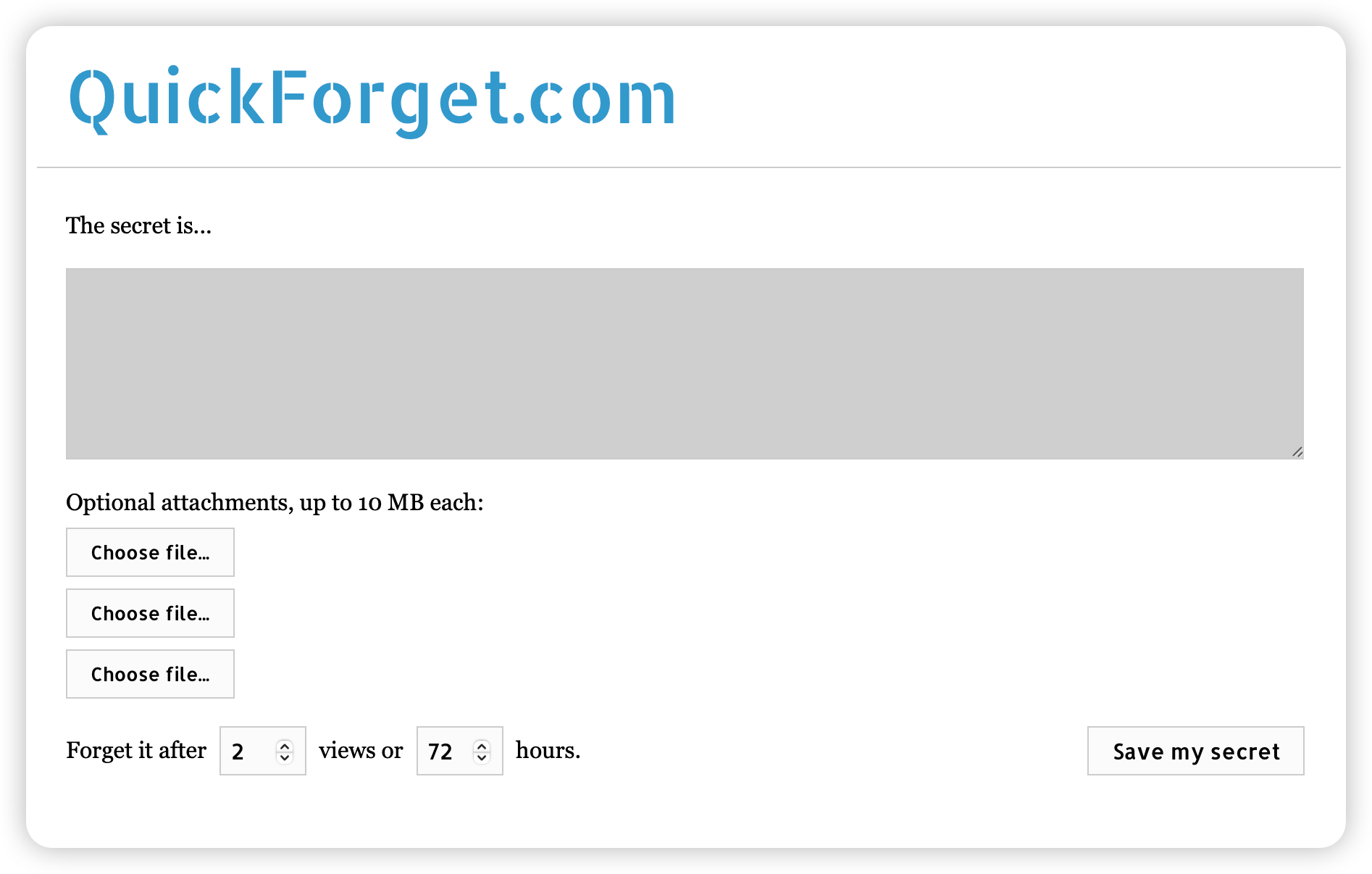
To ensure a smooth migration, we'll need secure access to your current hosting environment. You can easily share these details through QuickForget.
Access QuickForget here: https://quickforget.com/
1. WordPress Access
Provide your WordPress credentials:
- Name: Your website name
- Username: WordPress Administrator username
- Password: WordPress user password
- Website URL: Your WordPress site address
- Login URL: WordPress admin login URL (typically https://www.yourwebsite.com/wp-admin/)
- Additional Notes: Any special instructions
2. Current Hosting Access
Add your current hosting provider's credentials:
- Name: Current hosting provider's name
- Username: Hosting control panel username
- Password: Hosting control panel password
- Website URL: Hosting provider's website
- Login URL: Control panel login URL
- Additional Notes: Any specific hosting details
3. Domain Management Access (If Applicable)
If you'd like us to handle DNS updates, provide your domain registrar access:
- Name: Domain registrar's name
- Username: DNS management username
- Password: DNS management password
- Website URL: Provider's website
- Login URL: DNS management login URL
- Additional Notes: Any specific DNS requirements
What Happens Next?
Once you've shared the necessary access details, our team will:
- Configure your new hosting environment
- Migrate your entire website(s)
- Transfer all content and databases
- Install and configure our premium plugin suite
- Implement security measures
- Set up performance optimization
- Configure backup systems
- Update DNS settings (if authorized)
- Perform thorough testing
Our Migration Guarantee
We ensure:
- Zero downtime during transfer
- Complete data migration
- Secure handling of credentials
- Thorough testing before go-live
- Expert support throughout the process
After Migration
Once your site is live on our servers, we'll:
- Verify all functionality
- Configure additional services
- Set up monitoring systems
- Implement premium features
- Provide access to your new hosting dashboard
Need Assistance?
Our migration team is here to help:
- Support Hours: 9 AM - 5 PM, 7 days a week
- Emergency Support: Available 24/7
- Email: support [at] webops [dot] host
- Support Tickets: Submit a Ticket
Remember: You don't have to handle any technical aspects of the migration. We take care of everything, ensuring a smooth transition to your new hosting environment.
