Making Your WebOps Hosting Experience Simple
We've designed our ordering process to be straightforward and hassle-free. While we're always happy to handle the setup for you, here's a guide to our self-service ordering process if you prefer to get started right away.
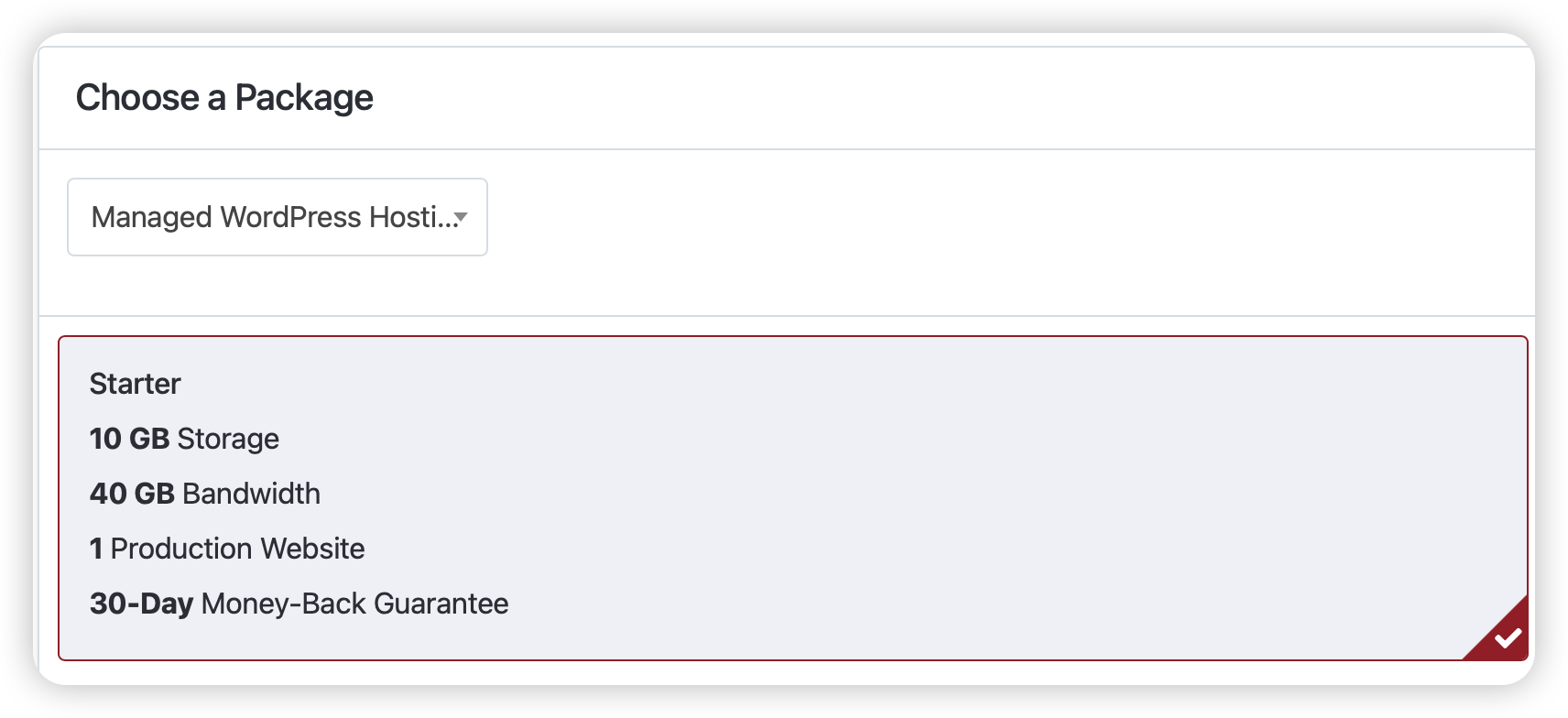
Choose Your Perfect Plan
Our Starter Plan is ideal for most businesses and agencies getting started with us. We'll help you scale up whenever you need more resources.
Save with Annual Billing
Choose between monthly and annual billing. With annual billing, you'll get two months free - a 17% savings!

Domain Setup Made Easy
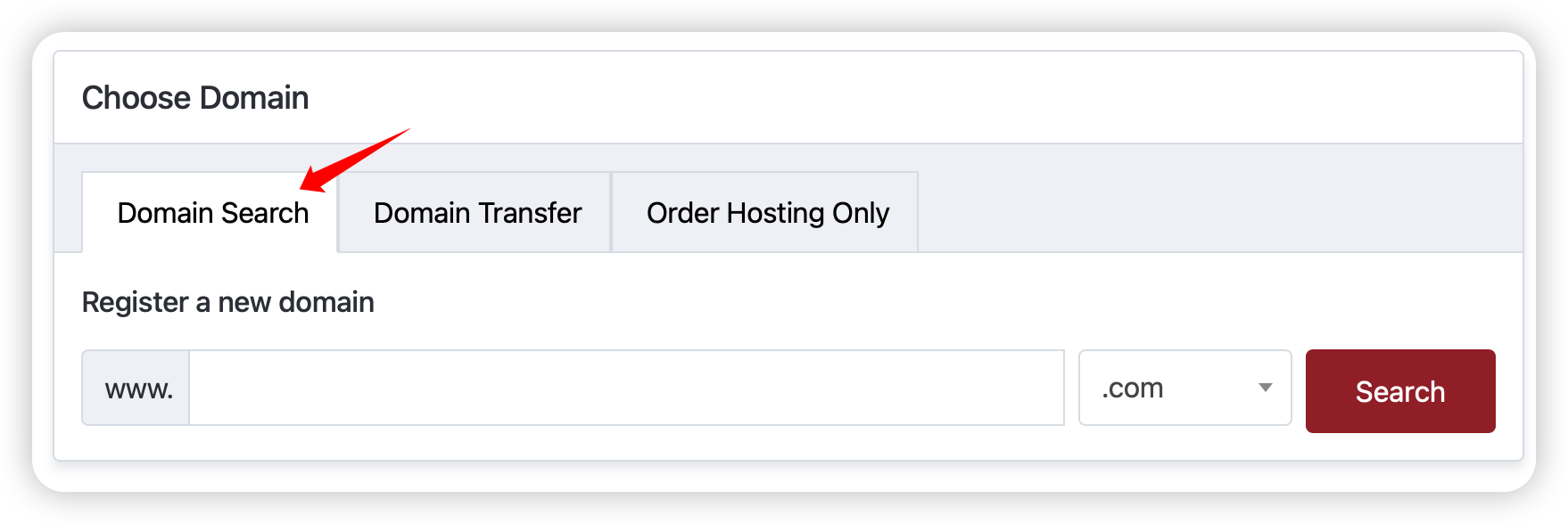
We offer three simple options for your domain:
1. Register a New Domain
Search for your perfect domain name - we'll handle all the technical setup.
2. Transfer Your Existing Domain
Moving your domain to us? We'll guide you through the process and handle the technical details.

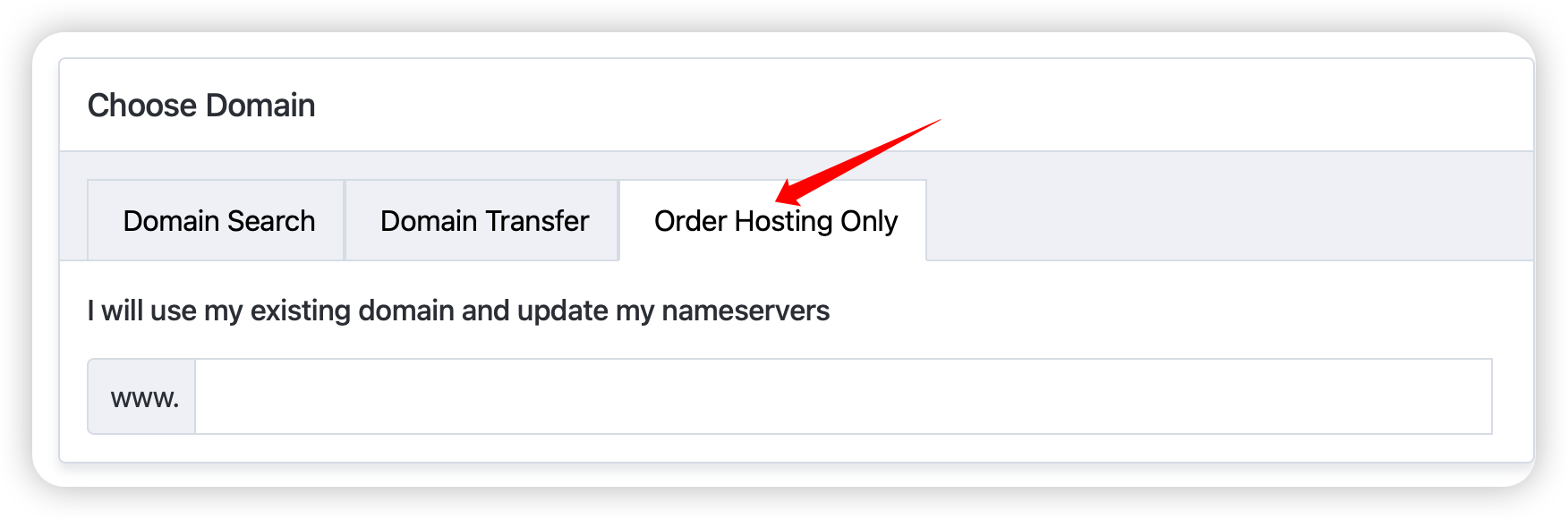
3. Use Your Current Domain
Keep your domain where it is - we'll configure everything to work seamlessly.
Enhance Your Experience
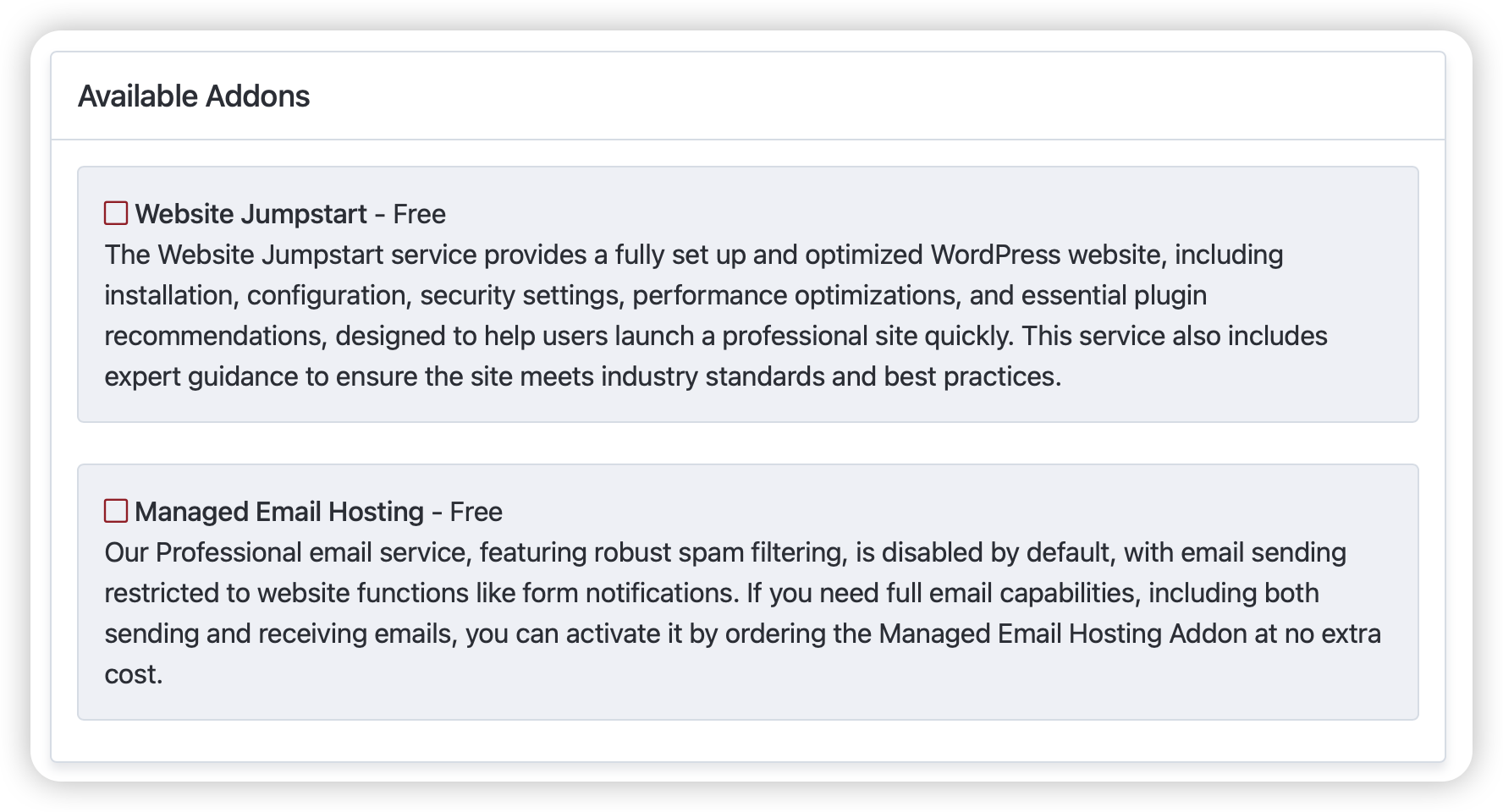
We include valuable free services to get you started:
- Website Jumpstart: Our team handles the initial setup and configuration
- Managed Email Hosting: Professional email setup and management
Quick Account Setup
Whether you're new to WebOps Hosting or already part of our family:
- New customers: Create your account with basic information
- Existing customers: Simply log in to add services
Flexible Payment Options
Choose what works best for you:
- Credit/debit card via Stripe
- PayPal
- Apple Pay (Safari users)
- Google Pay (Chrome users)
Tell Us About Your Needs
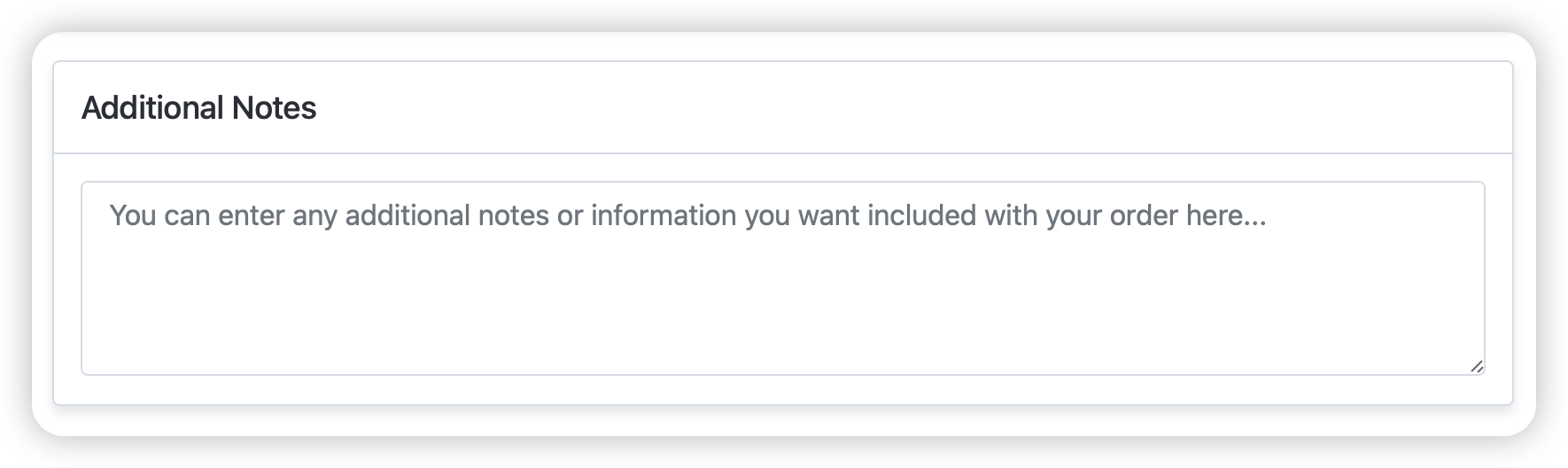
Use our Additional Notes section to:
- Share specific requirements
- Ask questions
- Request special configurations
Stay Informed
Join our mailing list to receive:
- Important service updates
- Maintenance notifications
- New feature announcements
- Special offers
Need Help?
Our team is here to assist you through every step:
- Support Hours: 9 AM - 5 PM, 7 days a week
- Emergency Support: Available 24/7
- Email: support [at] webops [dot] host
- Support Tickets: Submit a Ticket
Would you like us to handle the entire ordering process for you? Just reach out to our support team, and we'll take care of everything!
